![[Owner] Spacebug](https://minotar.net/avatar/SpaceBug/50)
Introduction:
Minecraft is one of the most popular video games in the world, with millions of players exploring, building, and creating in the game’s vast and unique world. However, as much fun as Minecraft can be, it can also be resource-intensive, causing performance issues and lag for some players. Optifine, a popular mod for Minecraft that optimizes game performance and enhances graphics for a better player experience.
What is Optifine:
Optifine is a mod for Minecraft that was created by sp614x with the goal of improving performance and enhancing graphics for players. Over the years, Optifine has been continuously updated to provide the best optimization for Minecraft, and it has become a must-have mod for many players. Optifine allows players to make adjustments to the game’s performance and graphics, giving them more control over their gaming experience.
Performance Enhancements:
One of the most significant benefits of using Optifine is improved frame rate. Frame rate refers to the number of individual images (frames) that are displayed per second in a video game. A higher frame rate generally results in smoother and more fluid gameplay, while a lower frame rate can cause stuttering, lag, and other performance issues. It works in both normal singleplayer and playing multiplayer on minecraft servers. Optifine provides several options for improving frame rate, making it an essential mod for players with older or less powerful computers.
Improved Graphics:
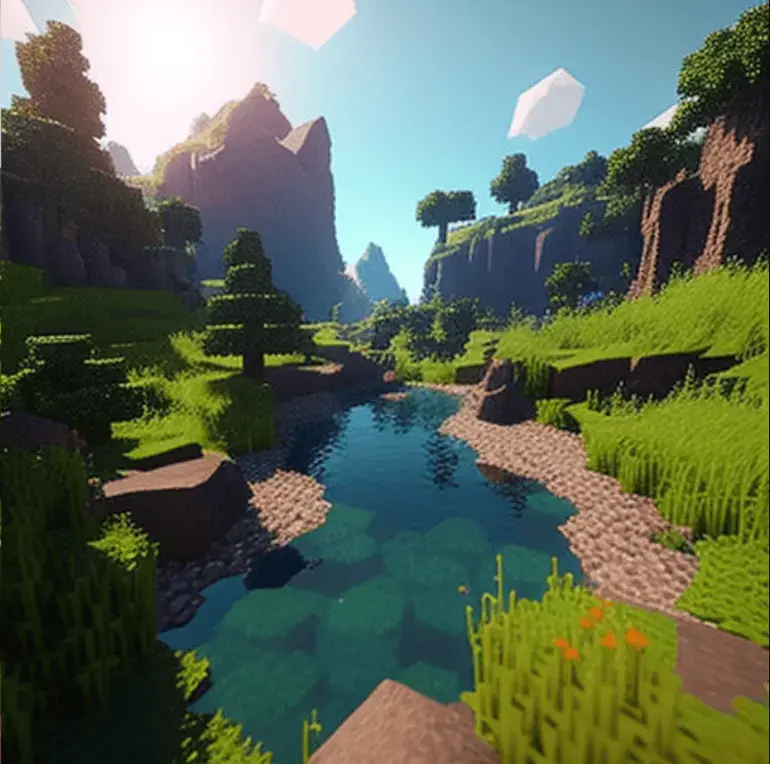
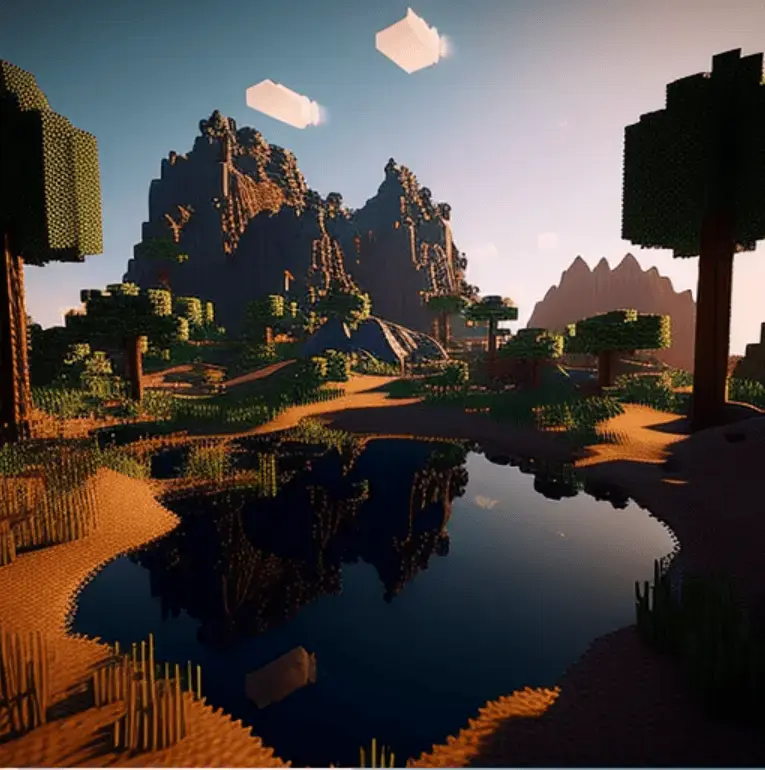
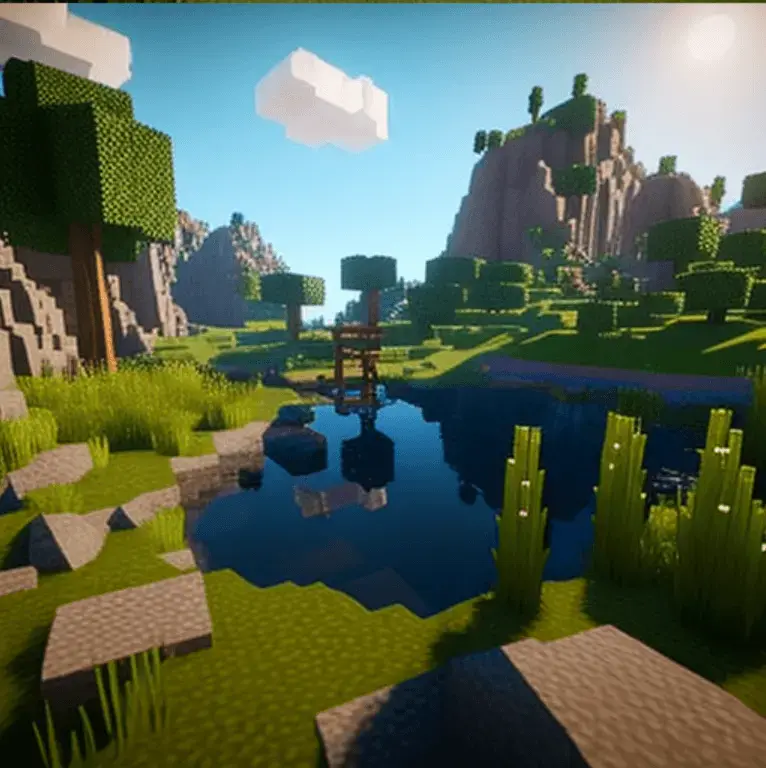
Optifine not only enhances performance, but it also provides players with a range of options for improving graphics. Players can adjust settings for shadows, lighting, and other graphics elements to create a unique and visually appealing Minecraft world. Some of the graphic options available in Optifine include:
- Increased draw distance: This option allows players to see further in the game world, providing a more immersive experience.
- Fancy graphics: Optifine provides several options for improving graphics, such as adding a wide-angle lens effect, enhancing light flares, and more.
- Better texture and texture packs: Optifine includes options for increasing the quality of textures in the game, as well as support for custom texture packs.
Reduced Resource Usage:
In addition to improving performance and graphics, Optifine also includes options for reducing the game’s resource usage. This can be especially important for players using laptops, as Minecraft can be quite demanding on battery life. By reducing resource usage, Optifine helps extend battery life and reduces heat production on desktop computers.
How to Install and Use Optifine:
Installing Optifine is a straightforward process. Players can download the latest version of the mod from the Optifine website and follow the instructions provided on the site or included with the mod file. Once Optifine is installed, players can access the mod’s options by clicking on the “Options” button in the Minecraft main menu and selecting “Video Settings.” From here, players can adjust the various performance and graphics options to their preference.
Made for versions of Minecraft: 1.1.5, 1.2.1, 1.2.5, 1.3.2, 1.4.2, 1.5.2, 1.6.2, 1.7.2, 1.7.10, 1.8, 1.8.8, 1.9, 1.9.4, 1.10, 1.10.2, 1.11, 1.11.2, 1.12, 1.12.2, 1.13, 1.13.2, 1.14, 1.14.4, 1.15, 1.15.2, 1.16, 1.16.5, 1.17, 1.17.2, 1.18, 1.18.4, 1.19, 1.19.3, 1.20
Optifine is an essential mod for Minecraft players looking to improve performance and graphics. With a wide range of options and the ability to customize graphics, Optifine makes Minecraft an even more enjoyable experience. Whether you’re a seasoned player or just starting out, Optifine is a must-have for anyone looking to take their Minecraft experience to the next level.