![[Owner] Spacebug](https://minotar.net/avatar/SpaceBug/50)
A real checklist for new and experienced players alike
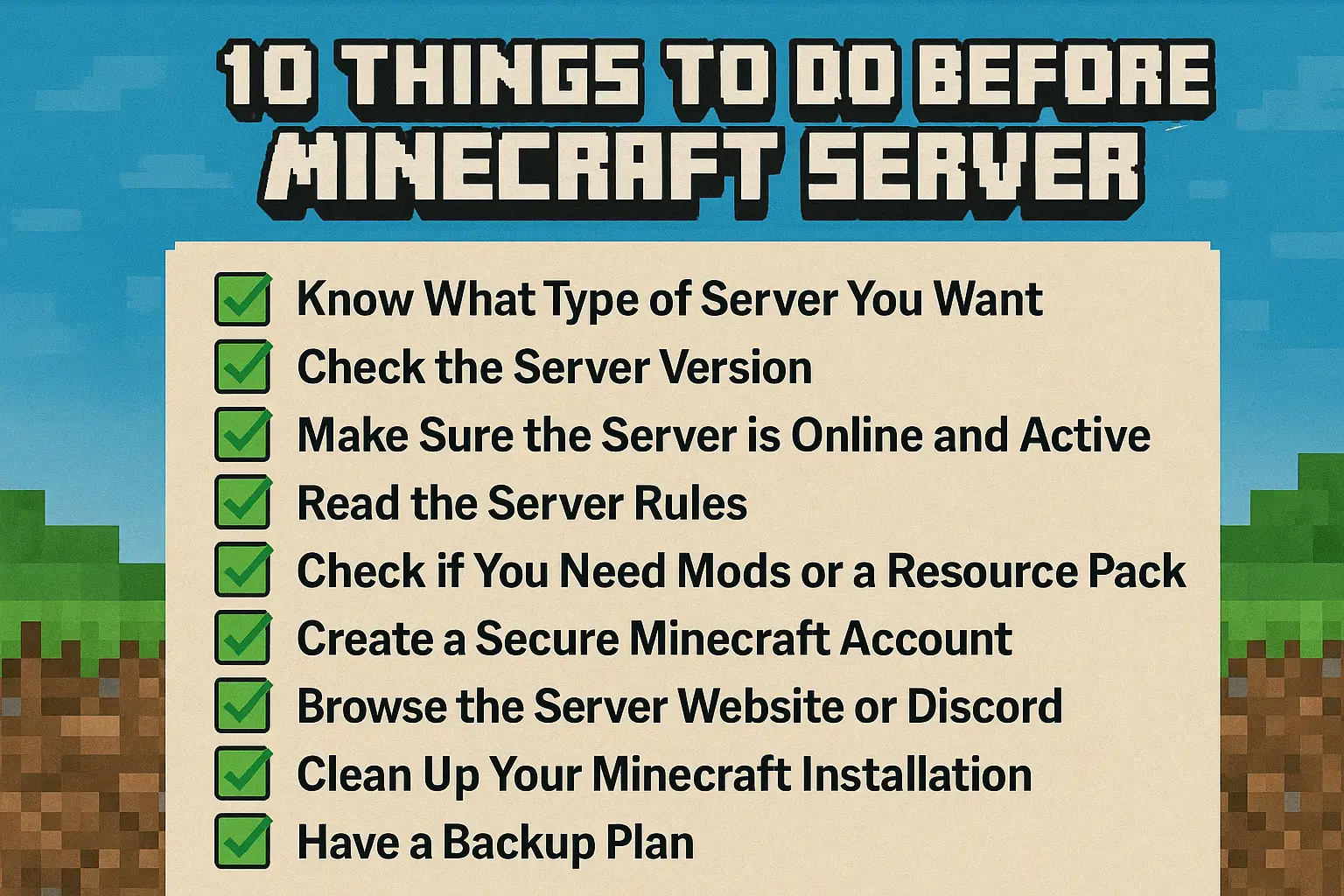
Joining a Minecraft server isn’t just about copying an IP and hitting “Join.” Whether you’re looking for survival, minigames, or roleplay, taking a few steps before joining can make a big difference in your experience – and help avoid frustration. Here’s a practical 10-step checklist to follow before you connect.
1. Know What Type of Server You Want
There’s a massive difference between Survival SMP, Skyblock, Factions, PvP, Creative, and Roleplay servers. Take a moment to decide what kind of gameplay you’re looking for. This helps you filter out servers that won’t match your style.
2. Check the Server Version
Many servers only support specific versions of Minecraft (e.g., 1.21.7 or 1.20.2). Trying to connect with the wrong version might give you an error or block features. Most server listings will mention this – double-check before joining.
3. Make Sure the Server is Online and Active
Before wasting time, ping the server or visit a site like minecraft-server-list.com to see if the server is live and how many players are online. A good rule of thumb: If the server hasn’t seen activity for days, it may be abandoned.
4. Read the Server Rules
Most quality servers have rules that must be followed. Breaking them could get you banned instantly. Reading them upfront prevents misunderstandings – especially around things like griefing, stealing, or using mods.
5. Check if You Need Mods or a Resource Pack
Some servers require or recommend a specific modpack or texture pack. If you try to join without it, the game might not work correctly or you’ll miss important visual elements.
6. Create a Fresh Character Mindset
Many players join with expectations from singleplayer or other servers. Treat each server as a new world. Respect the community, play style, and balance. A fresh mindset helps you integrate better and enjoy it more.
7. Prepare a Secure Minecraft Account
Make sure your account is properly secured with a strong password and two-factor authentication if possible. Also, avoid joining cracked servers unless you understand the risks involved (including security and lack of official support).
8. Browse the Server Website or Discord
Good servers often have a website, forum, or Discord server. You can learn a lot here – from how the economy works to current events, staff activity, and community vibes. It’s also the best place to ask questions.
9. Clean Up Your Minecraft Installation
Make sure your Minecraft is running smoothly: delete old mods or resource packs you’re not using, clear logs, and update your Java version if needed. It can help avoid crashes and lag, especially on more demanding servers.
10. Have a Backup Plan
Some servers look great but may disappoint after a while. Keep a small list of backup servers or communities you’re interested in. That way you’re never stuck if a server turns out to be inactive or toxic.
Final Thoughts
A little preparation goes a long way. By following these 10 steps, you’ll avoid wasted time, reduce frustration, and make sure your next Minecraft adventure starts off strong. Whether you’re brand new or returning after a break – being mindful before joining makes all the difference.